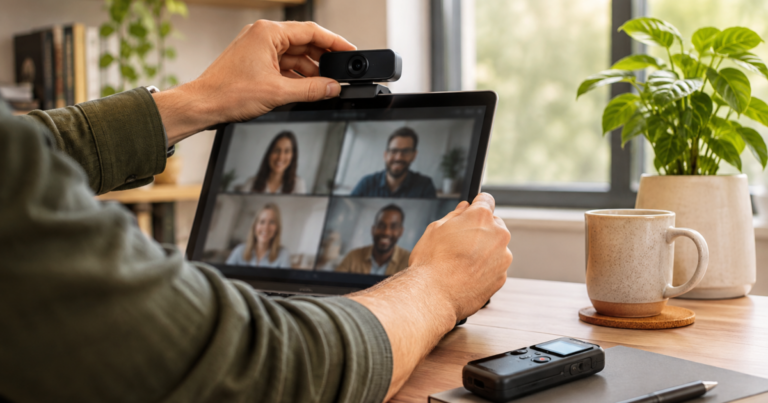
The Anker soundcore Work is a coin-sized wearable AI note recorder for people who want meeting, lecture, and interview capture without turning every session into another app chore. This Anker soundcore Work review focuses on the practical ownership decision: you are buying the recorder, but its real usefulness depends on the soundcore app or web portal for setup, transcription, summaries, and action-item workflows.
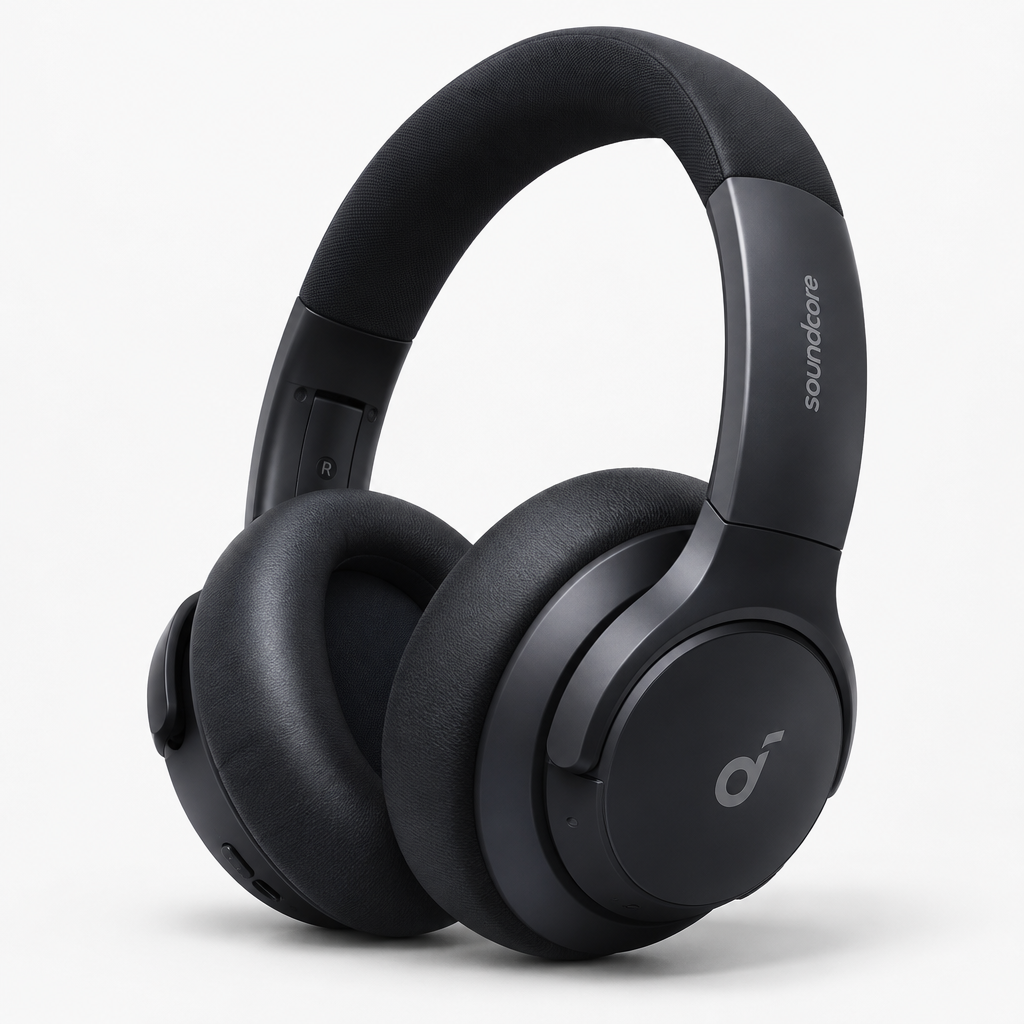
Anker soundcore Work
Best for portable meeting and lecture capture when you want summaries without committing to a required subscription
That distinction matters. The recorder handles audio capture, while the soundcore workflow turns recordings into transcripts, highlights, key points, speaker identification, action items, and dictation outputs. It is not a magic desk assistant that fixes messy meetings by itself. Used deliberately, though, it can be a compact capture layer for people who want fewer missed details and less frantic typing.
If you are comparing recorder-style tools by workflow role, portability, capture method, or subscription dependency, the AI Desk Gear Finder is the cleanest next step after reading this review.
Pros & Cons
Pros
- Pocket or wearable design makes it well suited to mixed meeting, lecture, and interview days.
- AI workflow covers more than raw transcription, including summaries, speaker identification, highlights, key points, and action items.
- No required subscription keeps the basic ownership model cleaner than many app-heavy note tools.
- Supports iOS, Android, and web access for flexible review habits across phone and desktop workflows.
Cons
- Summaries and transcription rely on soundcore app sync and Anka web access, so it is not a fully standalone note machine.
- iPhone 7 and earlier are excluded, which matters for anyone using a very old iPhone.
Product Details
- Product type: Wearable AI voice recorder and AI note recorder.
- Primary role: Meeting notes and summaries, plus study or memory support.
- Capture method: Audio recording.
- AI features: Transcription and summaries, speaker identification, highlights, key points, action items, noise-aware transcription, and dictation.
- Portability: Pocket or wearable.
- Required workflow: soundcore app or web portal for setup, transcription, and AI summaries.
- Compatibility: soundcore app for iOS and Android, Anka on the web, iPhone-compatible with iPhone 7 and earlier excluded, and Android-compatible.
- Connection and access: USB-C charging, soundcore app sync, and Anka web access.
- Subscription position: No required subscription, with an optional paid transcription plan beyond included monthly minutes.
- Typical price: $159.99.
The main appeal: capture without inviting another person into the call
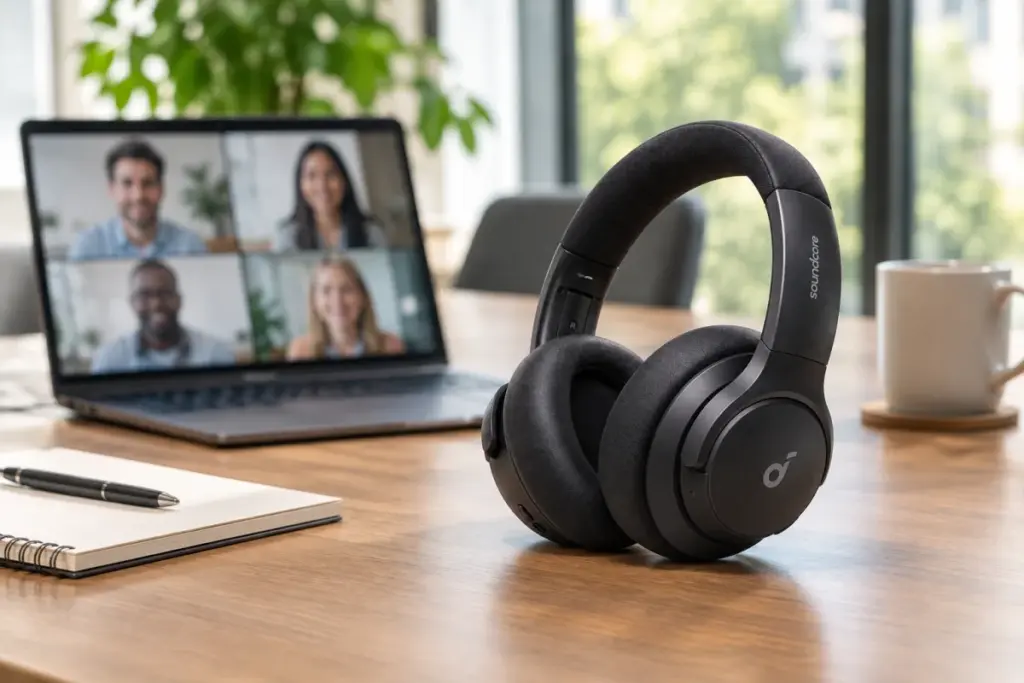
The most persuasive reason to consider Anker soundcore Work is its physical capture model. It records audio from the room rather than joining a meeting as a software bot. For hybrid workers, students, founders, interviewers, and creators, that can feel cleaner: one small recorder, one capture habit, then a later pass through summaries and action items.
That does not make it universally better than meeting software. A bot can be convenient when everything happens inside a video platform. A wearable recorder makes more sense when your day moves between a desk, a lecture room, a coffee meeting, a quick interview, and a call where you still want a separate record. The benefit is continuity. The compromise is that the recorder still has to sync into the app or web workflow before the AI layer becomes useful.
There is also an etiquette point that belongs in any honest review of recording hardware: recording should be permitted, disclosed, and aligned with your workplace, school, or interview context. A discreet device is convenient; it is not a shortcut around consent.
The AI layer is broad enough to be useful
Anker soundcore Work is not just positioned as a recorder that produces a wall of text. Its stated AI feature set covers transcription and summaries, speaker identification, highlights, key points, action items, noise-aware transcription, and dictation. That mix is important because transcription alone often moves the problem rather than solving it. Nobody buys a calmer desk setup because they are eager to reread a 54-minute transcript.
The practical value is in the second step: turning captured audio into something you can act on. For a meeting, that might mean decisions and follow-ups. For a lecture, it might mean a summary to compare against handwritten notes. For an interview, it might mean searchable material for drafting, quoting, or planning the next conversation. The device earns its place only if you make that review step part of your routine.
Speaker identification and action items are the two features most likely to affect day-to-day usefulness. Speaker labeling can make a transcript easier to navigate, while action items help bridge the gap between capture and follow-through. As with any AI note workflow, the sensible habit is to skim the output before treating it as settled. Names, nuance, decisions, and responsibility assignments still deserve human attention.
The app-and-web dependency is the real ownership trade-off
The recorder is battery powered and supports USB-C charging, but its primary function is not standalone in the way a basic voice recorder is standalone. Setup, transcription, and summaries sit in the soundcore app or web portal workflow, with Anka available on the web. That is neither a flaw nor a footnote; it is the core buying decision.
If your ideal tool is a small device that captures audio and then feeds a structured note system, this design fits. If you want a recorder that remains useful without app sync, web access, or a cloud-style AI workflow, it is the wrong category. The hardware is the pocketable front end. The ownership experience is hardware plus software habit.
The no-required-subscription position helps the value case, especially at a typical price of $159.99. You are not forced into a monthly plan just to own the product. Heavy transcription use is different, because the product details include an optional paid transcription plan beyond included monthly minutes. For occasional meetings or classes, that distinction may be enough. For dense recording schedules, the amount you capture matters as much as the sticker price.
Compatibility is strong for modern phones, less forgiving for old iPhones
Platform support is broad where most current users need it: the soundcore app supports iOS and Android, and Anka provides web access. That gives the recorder a practical path across phone-led and desktop-led review habits. Record on the move, then process or revisit the material from the app or web workflow.
The notable boundary is iPhone compatibility: iPhone 7 and earlier are excluded. For most desk setups, that will not be a deciding issue, but it is a clean example of why compatibility still matters for small AI gadgets. The device can be simple; the workflow around it still depends on the phone and web access you actually use.
For a structured snapshot of how this product fits the site’s recorder category, the Anker soundcore Work gear entry is a useful companion to this editorial review.
Where it fits best on a real desk
Anker soundcore Work is most compelling for mixed capture days. Think office meetings followed by a hallway conversation, a seminar followed by a study session, or creator interviews where you want less laptop juggling. Its pocket or wearable format suits people who move between rooms and still want the same capture routine.
It is also a good fit for people who like handwritten thinking but want a safety net. You can stay present, sketch ideas, or write only the important points, then use the transcript and summary later to fill gaps. That is a healthier use of AI notes than outsourcing attention entirely. The recorder should support the conversation, not become the reason you mentally leave it.
It is less compelling if your work is already fully contained inside one meeting platform and you are happy with a software note taker. It is also less compelling if you dislike app-dependent gadgets. A coin-sized recorder sounds beautifully minimal on the desk, but the minimalism only holds if the follow-up workflow stays tidy.
Straight answers
Does Anker soundcore Work require a subscription?
No required subscription is listed for the product. There is, however, an optional paid transcription plan beyond included monthly minutes, so recording volume is part of the long-term value calculation.
Can it replace manual notes?
It can reduce the pressure to capture every sentence, but it should not replace judgement. The strongest workflow is recording the session, reviewing the summary, checking the transcript where needed, and moving real decisions into your task system.
Is it better for meetings or studying?
Its stated role covers both meeting notes and summaries as well as study or memory support. The better fit depends on where you lose more value: missed meeting follow-ups or incomplete lecture and study recall.
Verdict
Anker soundcore Work is a focused, modern take on the voice recorder: small enough to live with, broad enough in AI features to matter, and priced as a serious desk upgrade rather than a throwaway accessory. Its strongest points are portability, the transcription-to-summary feature set, and the lack of a required subscription.
The trade-off is just as clear. This is not a fully standalone note machine. The soundcore app, web portal, and Anka access are part of the product experience, and very old iPhones are outside the compatibility list. For people who want a dedicated recorder that can support meetings, lectures, and interviews without joining every call as a bot, that is a fair exchange.
Score: 8.4/10
Anker soundcore Work
Best for portable meeting and lecture capture when you want summaries without committing to a required subscription
You might also like: Plaud Note.